What Is Google Analytics? Complete Beginner Guide in 2026
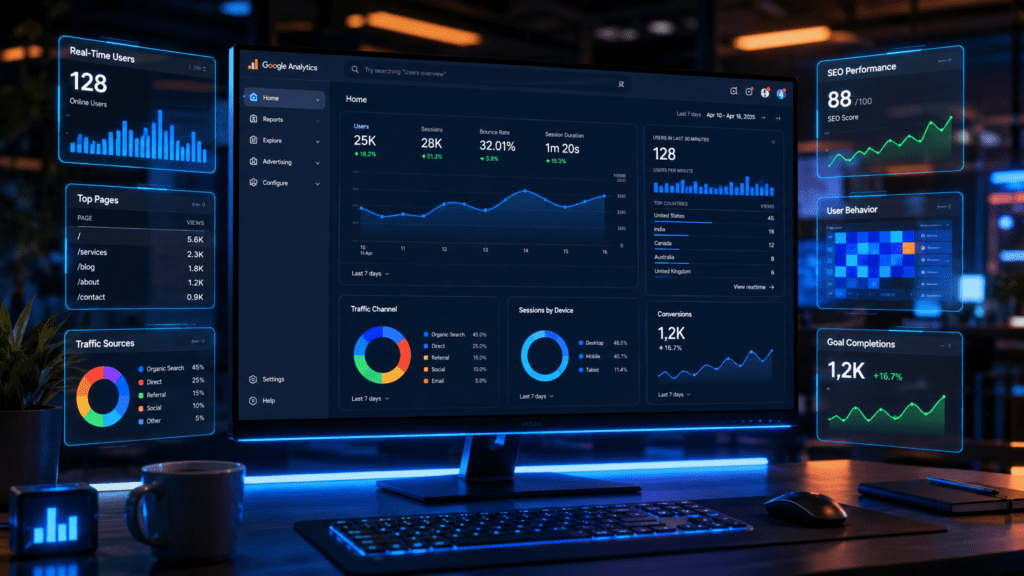
In today’s digital world, every website owner wants to know what users are doing on their website. People want to track visitors, understand customer behavior, and improve their online performance. This is where google analytics becomes an important topic for beginners and businesses.
If you have a website, blog, eCommerce store, or business page, then understanding google analytics can help you grow faster online. It gives detailed information about your website traffic, audience behavior, popular pages, conversions, and much more.
Many beginners think analytics tools are difficult, but actually Google Analytics is very easy once you understand the basics. It helps website owners make smarter decisions instead of guessing what users like.
In this blog, you will learn everything about Website Analytics Tool its features, benefits, working process, setup method, and why it is important for digital marketing in 2026.
What Is Google Analytics?
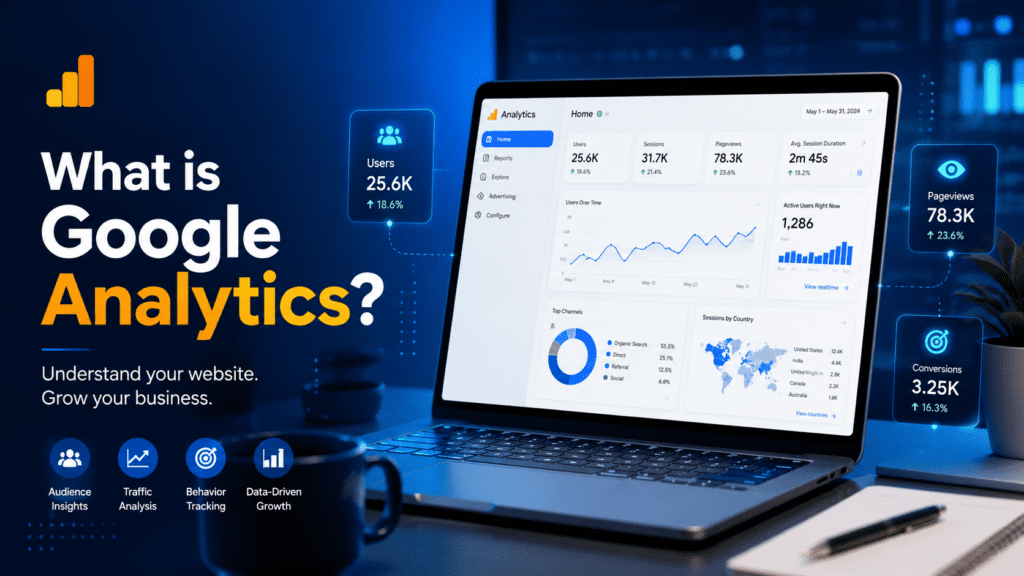
This Website Analytics Tool is a free web analytics tool developed by Google that helps website owners track and analyze website traffic.
It collects data from visitors and shows useful reports like:
- How many people visited your website
- Which pages they viewed
- Where visitors came from
- How much time they spent
- Which device they used
- What actions they performed
This data helps businesses improve their website performance and marketing strategy.
Website Analytics Tool works by adding a small tracking code to your website. Once installed, it starts collecting user data automatically and shows reports inside the dashboard.
Today, Google Analytics is one of the most powerful tools used by bloggers, marketers, businesses, and SEO experts worldwide.
Why Google Analytics Is Important
Understanding Website Analytics Tools is important because data helps businesses grow smarter.
Without analytics, website owners only guess what is working. But with Google Analytics, you get real information about users and website performance.
Main Benefits of Google Analytics
1. Understand Your Audience
Google Analytics helps you know:
- User age
- Gender
- Location
- Device type
- Interests
This information helps create better marketing campaigns.
2. Track Website Traffic
You can easily see:
- Daily visitors
- Weekly traffic
- Monthly growth
- Traffic sources
This helps measure website success.
3. Improve SEO Performance
SEO experts use This Website Analytics Tool to analyze:
- Organic traffic
- High-performing pages
- Bounce rate
- User engagement
It helps improve search engine rankings.
4. Measure Marketing Campaigns
If you run ads on platforms like Facebook or Instagram, Website Analytics Tool shows whether campaigns are generating results or not.
5. Increase Conversions
Businesses can track:
- Sales
- Form submissions
- Leads
- Purchases
This helps improve conversion rates.
How Google Analytics Works
To understand Website Performance Monitoring Tool, you must know how it works.
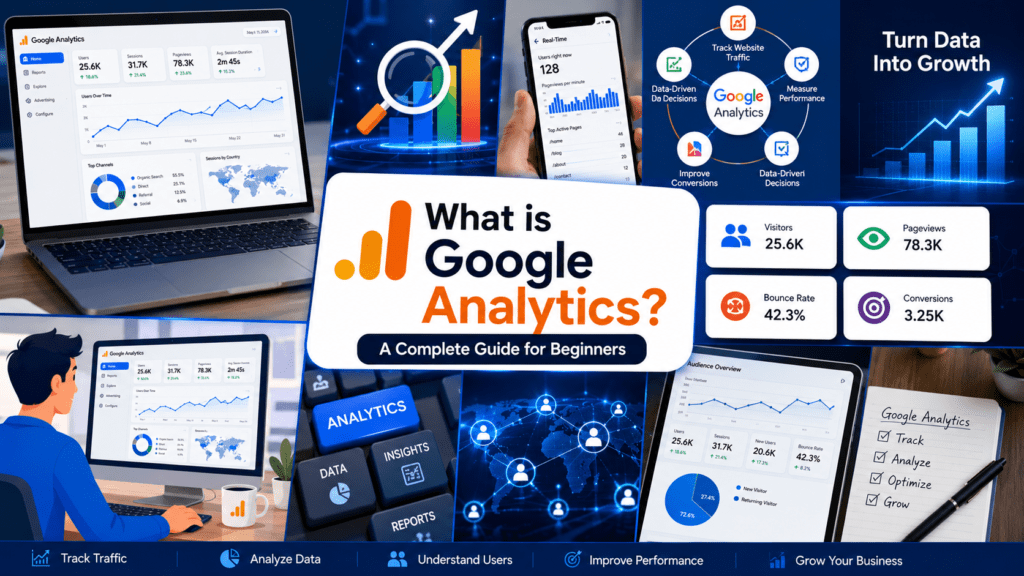
Google Analytics works through a tracking code called a tag. This code is added to your website pages.
When users visit your site:
- The tracking code collects visitor data
- Data is sent to Google servers
- Google processes the information
- Reports are generated inside your dashboard
The reports help website owners understand visitor behavior.
Features of This Website Analytics Tool
Google Analytics offers many powerful features for businesses and marketers.
Real-Time Reports
You can see live visitors currently active on your website.
This report shows:
- Active users
- Current pages
- Traffic source
- Device details
Audience Reports
Audience reports help understand website visitors better.
You can track:
- Age group
- Gender
- Country
- Language
- Interests
These insights help businesses target the right audience.
Acquisition Reports
Acquisition reports show where traffic comes from.
Traffic sources include:
- Organic Search
- Social Media
- Direct Traffic
- Referral Traffic
- Paid Ads
This helps identify the best marketing channels.
Behavior Reports
Behavior reports help analyze user activity.
You can check:
- Most viewed pages
- Average session duration
- Bounce rate
- Exit pages
This helps improve website content.
Conversion Tracking
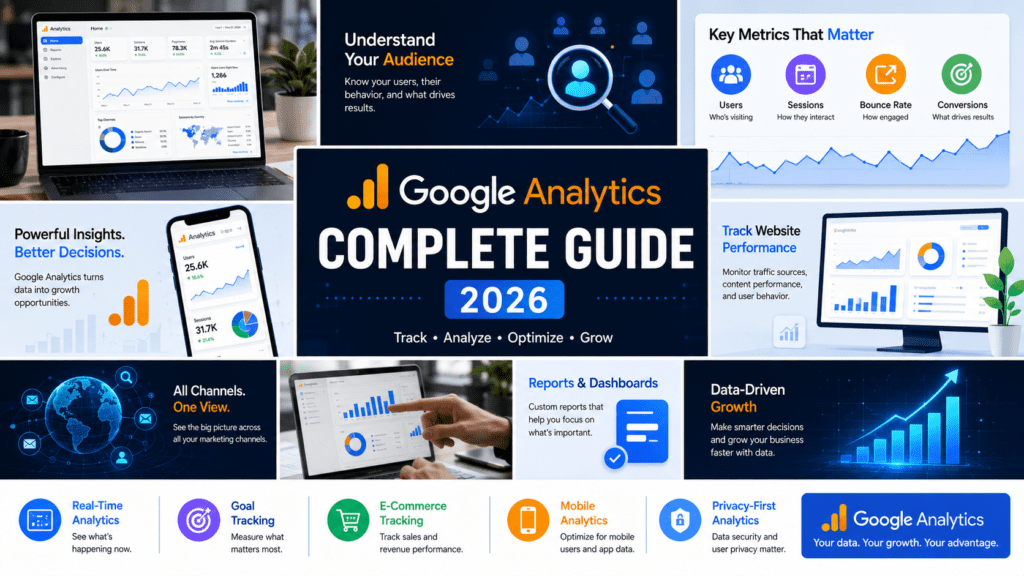
Google Analytics helps track important goals like:
- Purchases
- Contact forms
- Newsletter signups
- Downloads
Businesses use this data to improve sales.
What Is Google Analytics 4 (GA4)?
Google launched a new version called Google Analytics 4 or GA4.
GA4 is the latest analytics platform designed for modern websites and apps.
Unlike older Universal Analytics, GA4 focuses more on user behavior and events.
Features of GA4
Event-Based Tracking
GA4 tracks events like:
- Clicks
- Scrolls
- Video views
- Downloads
This provides deeper insights.
Better User Privacy
GA4 is designed to work better with privacy regulations and cookie restrictions.
AI-Based Insights
Google uses Artificial Intelligence to provide smart predictions and insights.
Cross-Platform Tracking
You can track both websites and mobile apps together.
Difference Between Universal Analytics and GA4
| Feature | Universal Analytics | GA4 |
|---|---|---|
| Tracking Model | Session-based | Event-based |
| Platform Support | Website only | Website + Apps |
| AI Insights | Limited | Advanced |
| Privacy Features | Basic | Improved |
| Future Support | Discontinued | Active |
GA4 is now the standard version used globally.
How To Set Up Google Analytics
Learning setup is an important part of understanding This Web Traffic Tracking Platform
Step 1: Create a Google Account
First, you need a Google account.
You can create one through Google Account
Step 2: Open Google Analytics
Visit the official website:
Google Analytics Official Website
Click on “Start Measuring.”
Step 3: Create a Property
Enter:
- Website name
- Time zone
- Currency
- Business category
Then create your GA4 property.
Step 4: Add Tracking Code
Google provides a tracking code called:
Global Site Tag (gtag.js)
Add this code inside your website header section.
Step 5: Verify Installation
After installation, check Real-Time reports to see if data is being tracked correctly.
Important Metrics In This Website Analytics Tool
Understanding metrics is very important when learning Web Traffic Tracking Platform
Users
Users mean total visitors visiting your website.
Sessions
A session starts when a user visits your website and ends after inactivity.
Bounce Rate
Bounce rate means visitors leaving your website without interaction.
Lower bounce rate is usually better.
Average Session Duration
This shows how much time users spend on your website.
Longer sessions usually indicate engaging content.
Page Views
Page views show total pages viewed by visitors.
Traffic Sources
Traffic sources help identify where users come from.
Examples:
- Google Search
- Social Media
- Direct URL
- Other websites
How Bloggers Use This Website Analytics Tool
Bloggers use Google Analytics to improve content performance.
They track:
- Popular blog posts
- Organic traffic
- Visitor engagement
- SEO performance
- User location
This helps create better blog strategies.
For example, if one article receives more traffic, bloggers can create similar content to grow faster.
How Businesses Use This Website Analytics Tool
Businesses use Google Analytics for growth and marketing decisions.
eCommerce Businesses
Online stores track:
- Product performance
- Sales
- Customer behavior
- Checkout issues
Service Businesses
Service providers track:
- Lead generation
- Contact form submissions
- Landing page performance
Digital Marketers
Marketers use Google Analytics to measure campaign ROI and improve ad performance.
Common Mistakes Beginners Make in Analytics Platform
While learning Web Traffic Tracking Platform, beginners often make mistakes.
1. Not Setting Goals
Without goals, you cannot track conversions properly.
2. Ignoring Mobile Traffic
Most users now come from mobile devices.
Always optimize for mobile users.
3. Tracking Wrong Metrics
Many beginners focus only on traffic.
But engagement and conversions are equally important.
4. Not Connecting Search Console
Connecting Google Search Console with Google Analytics improves SEO tracking.
Google Analytics And SEO
SEO and Google Analytics work together.
SEO helps bring traffic, while Google Analytics helps measure results.
You can analyze:
- Organic traffic growth
- Keyword performance
- User engagement
- High-ranking pages
This helps improve search visibility.
Many SEO experts regularly use analytics data to optimize content strategy.
Advantages Of This Website Analytics Tool
Here are some major advantages:
Free To Use
Google Analytics is completely free for most users.
Detailed Reports
You get deep insights into audience behavior.
Easy Integration
It works with:
- Websites
- Apps
- Ads
- SEO tools
Custom Dashboards
Users can create personalized reports and dashboards.
AI Insights
GA4 provides automated recommendations and predictions.
Limitations Of Google Analytics
Although powerful, it also has some limitations.
Learning Curve
Beginners may feel confused initially.
Data Sampling
Large websites may experience sampled data in reports.
Privacy Restrictions
Cookie restrictions can affect tracking accuracy.
Tips To Use This Website Analytics Tool Better
Here are some useful tips for beginners.
Track Important Goals
Always set goals for:
- Leads
- Sales
- Signups
Use Custom Reports
Custom reports help focus on important metrics.
Connect With Search Console
This improves SEO insights.
Monitor Real-Time Data
Real-time reports help track live campaign performance.
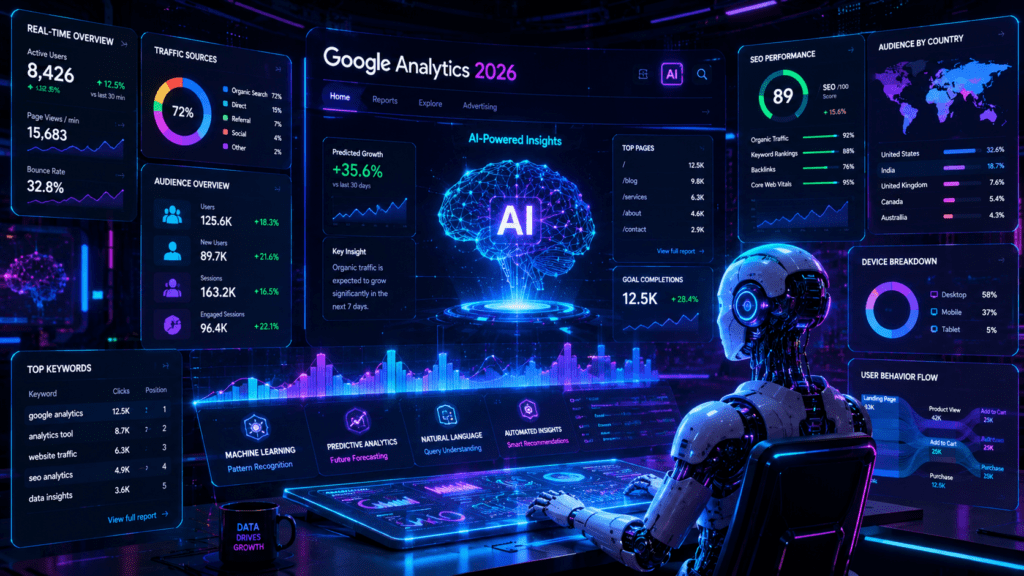
Analyze User Behavior
Check where users spend more time and improve weak pages.
Future Of Website Analytics Tool
The future of analytics is becoming smarter with AI and automation.
Google Analytics is continuously improving with:
- AI predictions
- Better tracking
- Privacy-focused features
- Cross-device analytics
In coming years, businesses will depend even more on data-driven marketing.
Understanding analytics tools will become an essential skill for digital marketers.
Conclusion
Now you understand clearly Web Traffic Tracking Platform and why it is important for websites, bloggers, and businesses.
Google Analytics helps track visitors, understand audience behavior, improve SEO, and increase conversions. Whether you are a beginner blogger or a digital marketer, this tool can help you make better decisions using real data.
In 2026, data is one of the biggest assets for online businesses. Companies that understand their audience properly can grow much faster than competitors.
Learning Google Analytics may feel difficult at first, but once you start using reports regularly, it becomes easier and extremely useful.
If you want to improve your website traffic, SEO, marketing campaigns, and business growth, then Google Analytics is a must-have tool.
Call To Action (CTA)
Want to learn more about SEO, digital marketing, AI tools, and blogging tips?
Follow Google Analytics insights regularly and start tracking your website performance today. Data-driven marketing can help your business grow smarter and faster in 2026.